Loading






 By W3Syllabus.com
 Uncategorized
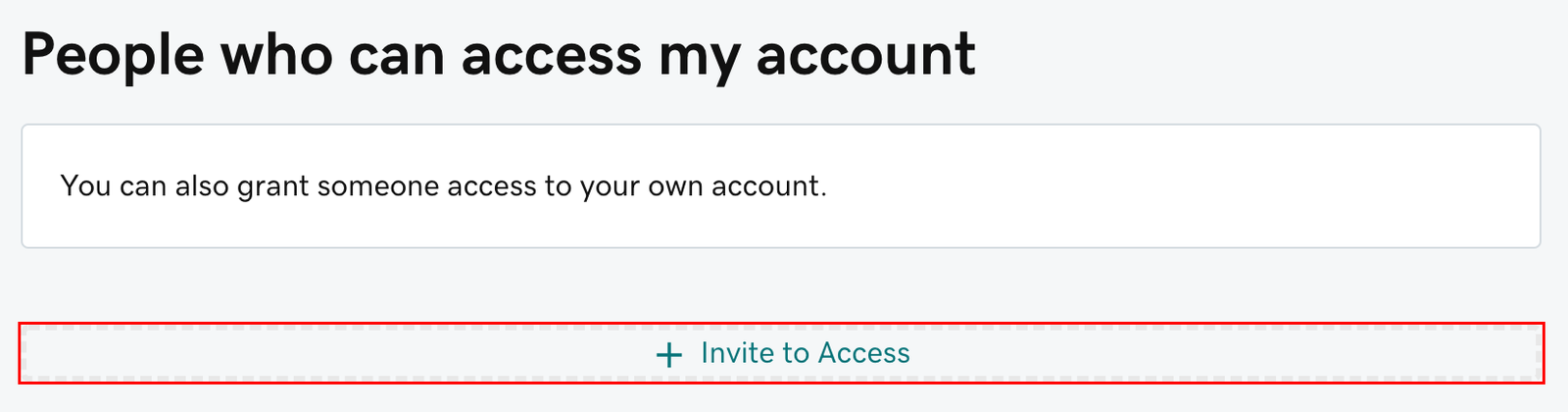
You can invite a delegate (like your web designer or developer) to access the GoDaddy products in your account. Delegates can open and use your products, but they can’t view or change account information like your payment methods and passwords.
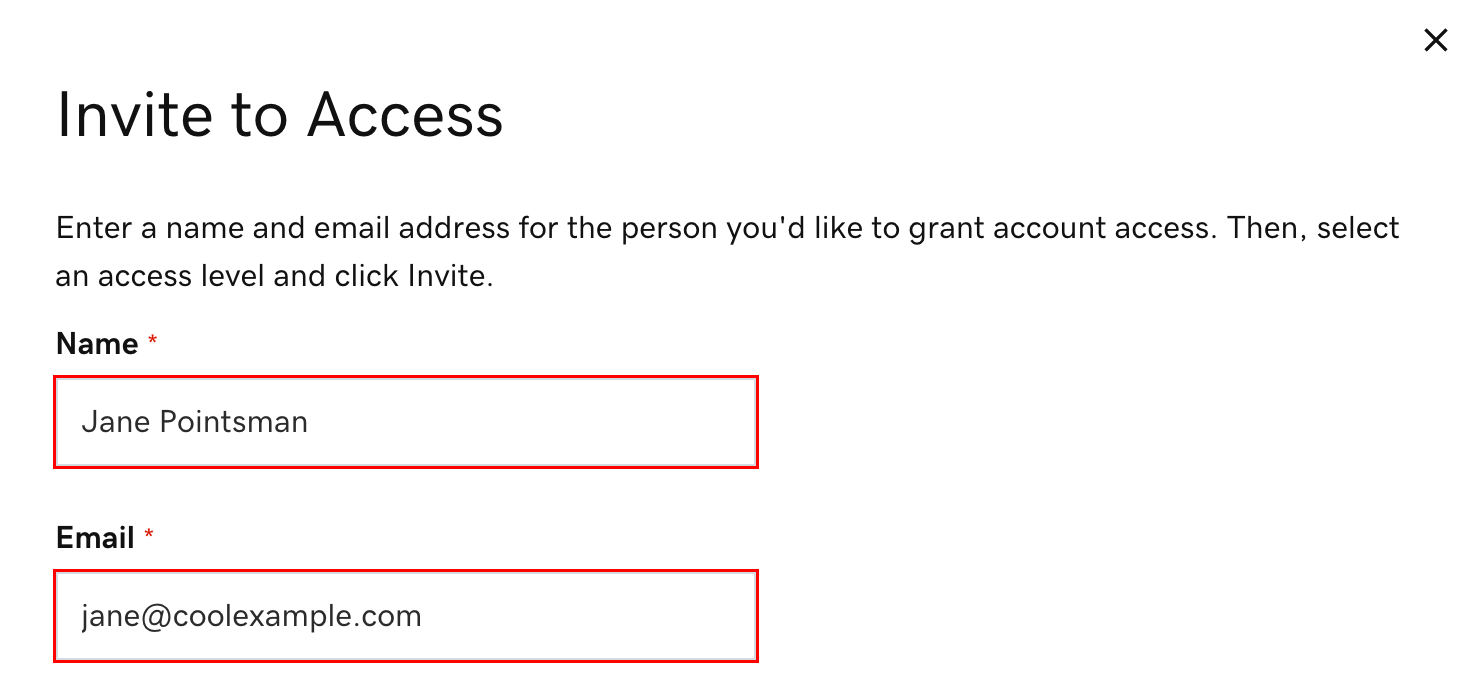
3. Enter the Name and Email address for the person you’re inviting.
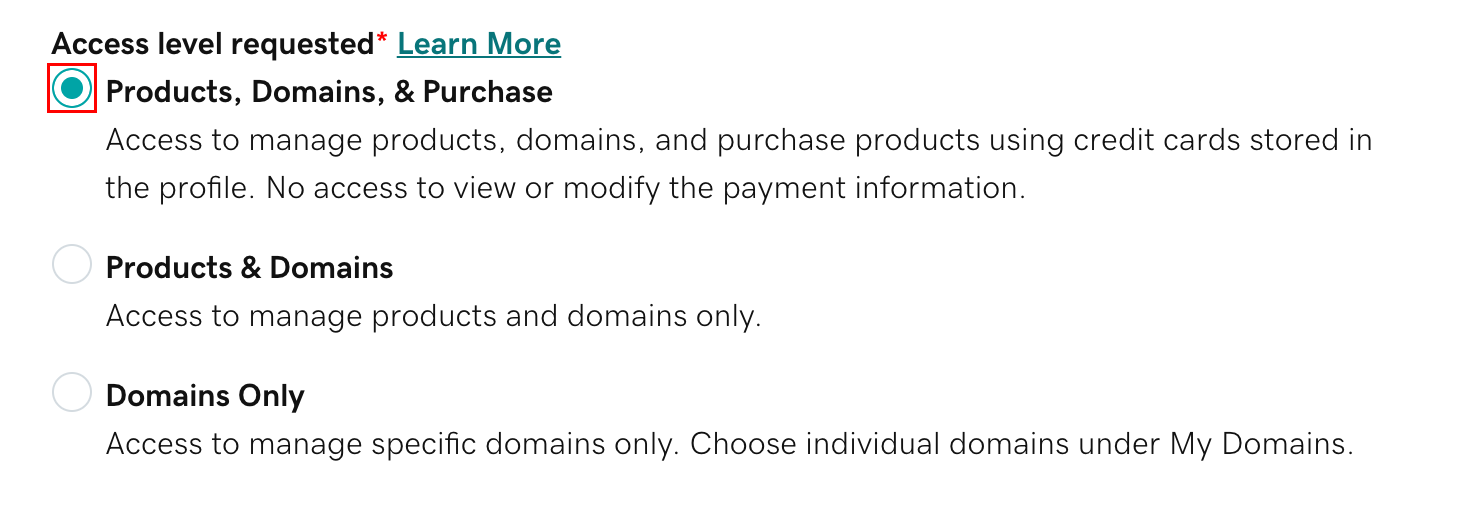
4. Select one of the access levels. If you’re not sure what this means, read our explanation of access levels.
5. Select Invite. We’ll send the person an email invitation to access your account. Once the person accepts, we’ll let you know.